AES50 and the Midas DL32: Stage Box Setup Without Surprises
How to set up a Midas DL32 stage box over AES50 with an M32R or M32C: cabling, clocking, routing, sharing inputs between FOH and monitors, and troubleshooting clicks and dropouts.
The Midas M32 platform comes in several shapes. Compare the compact M32R console with the rack-mount M32C and DL32 stage box, and learn which setup fits FOH, monitors, corporate events and fly packs.
By Paris Backline · · 3 min read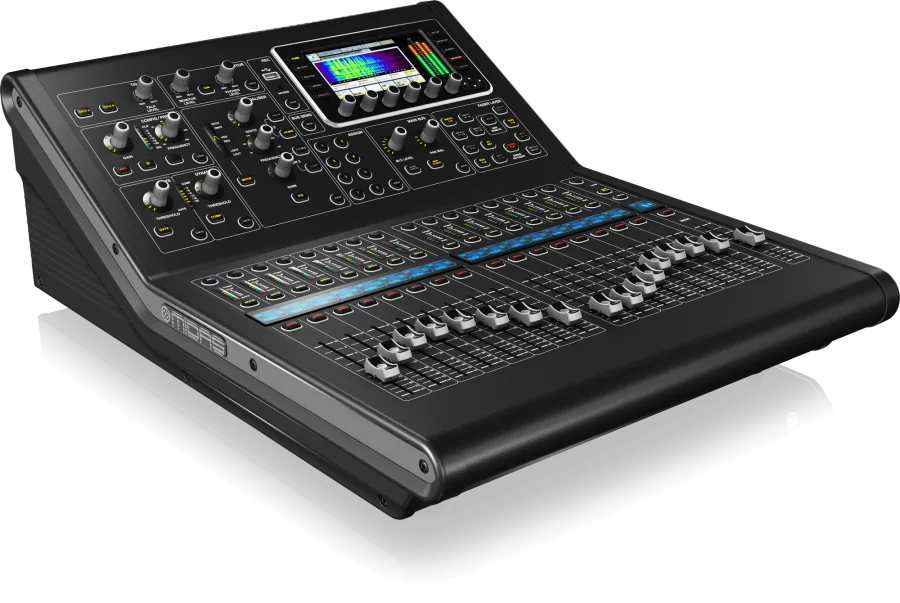
The Midas M32 platform is everywhere: clubs, churches, corporate ballrooms, side stages and touring fly packs. It's popular because it combines Midas PRO preamps and a deep feature set with a workflow most engineers already know. The M32R and the M32C share the same mixing engine, so the choice between them is about form factor, I/O and where the engineer wants to stand.
Every M32 model runs the same core:
Because the engine is the same, a show file built on one M32 can be loaded on another. That's a big reason riders specify "Midas M32 series."
The M32R is a full mixing console in a small footprint.
Choose the M32R when:
The M32C puts the M32 engine in a compact rack-mount chassis without a full control surface. You mix from M32-Edit on a laptop or M32-Mix on an iPad, or use it as a remote engine.
Choose the M32C when:
Because the M32C relies on stage boxes for I/O, it's almost always paired with a DL32.
The DL32 replaces a heavy analog multicore with one shielded Cat5e cable:
Put the DL32 on stage, run one cable to FOH, and you have 32 inputs and 16 returns for wedges, side-fills and processors. For setup details, read AES50 and the Midas DL32.
| Show | Suggested rig |
|---|---|
| Acoustic act or small club show, 16 or fewer inputs | M32R |
| Full band, FOH at the back of the room | M32R + DL32 |
| Corporate event mixed from a tablet | M32C + DL32 |
| Separate FOH and monitor mixes | M32R at FOH + M32C or M32R for monitors, with shared stage boxes |
| Compact touring fly pack | M32C + DL32 in one rack, tablet control |
The M32 platform supports multitrack recording over USB through the console's expansion card. With every input recorded, an engineer can play the multitrack back through the console the next day — a virtual soundcheck — and refine the mix without the band. Bring a laptop with your DAW and confirm the card configuration when you book.
If you're bringing a scene from another M32, read our guide to bringing your show file to a rental console.
We rent the M32R, M32C and DL32 across Greater Los Angeles. Send us your input list and we'll recommend the right configuration.